
First, make sure your current account is bound.
Navigate to the Settings page via your profile, and tap on the Account button.
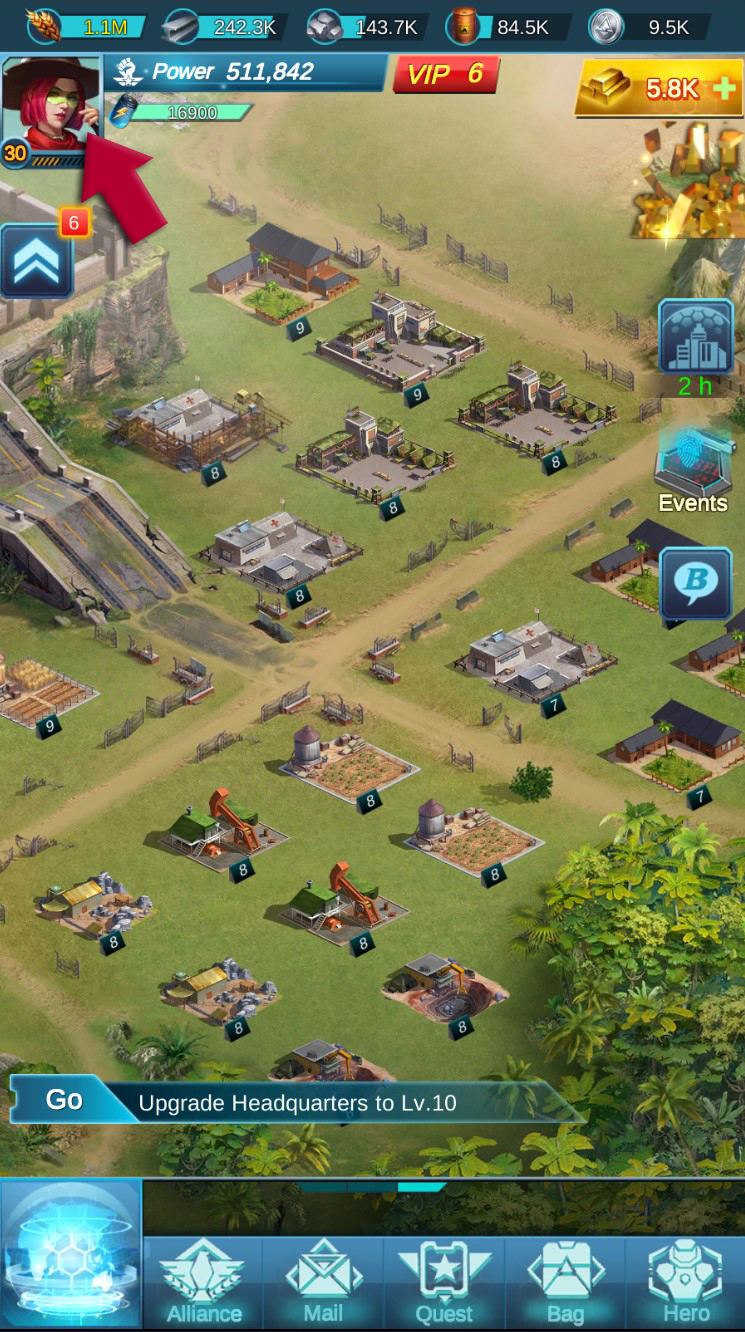
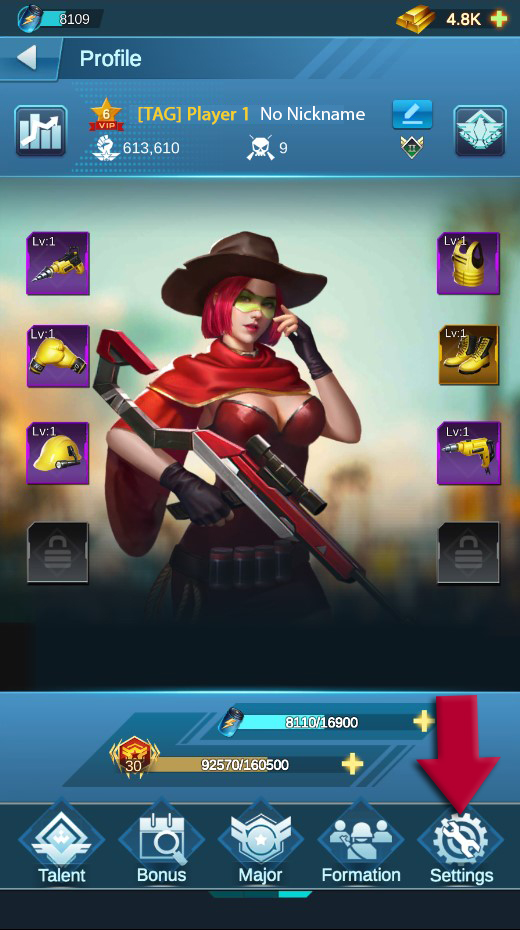
Once on the Profile page, tap the Settings button on the bottom navigation bar to open the Account popup. Tap Bind to begin registering your account.

Accessing on another device
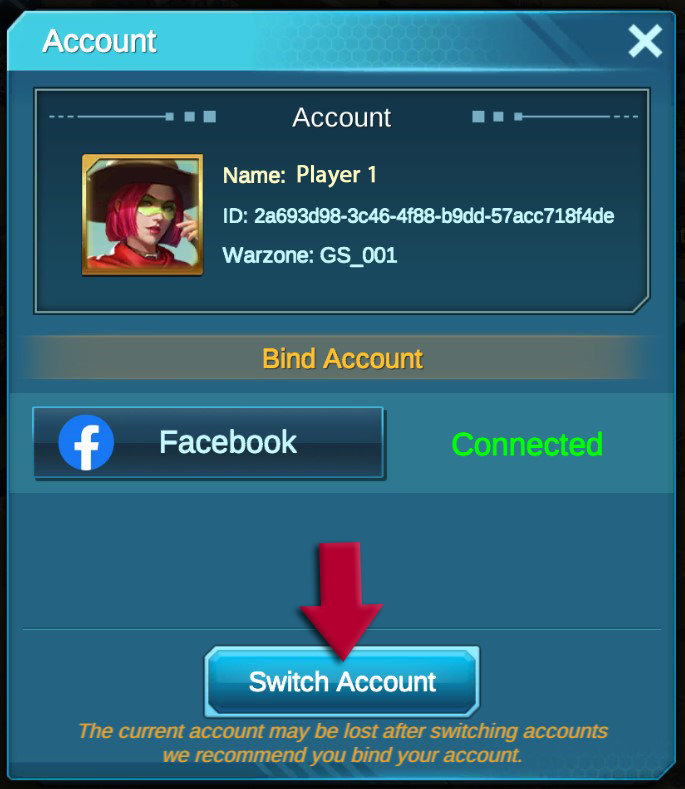
Once bound, you can then repeat these steps on your new device and tap 'Switch Account' to access your bound account. Enter your Google or Facebook credentials (whichever you bound the account to) and you'll be logged in and ready to play in no time!
NOTE: When accessing War Paradise for the first time on a new device, you'll need to progress through the tutorial until you're able to access your Profile.